


Losing a phone is stressful enough without also losing years of game progress and purchases. A few minutes linking your accounts today can save everything you have built.
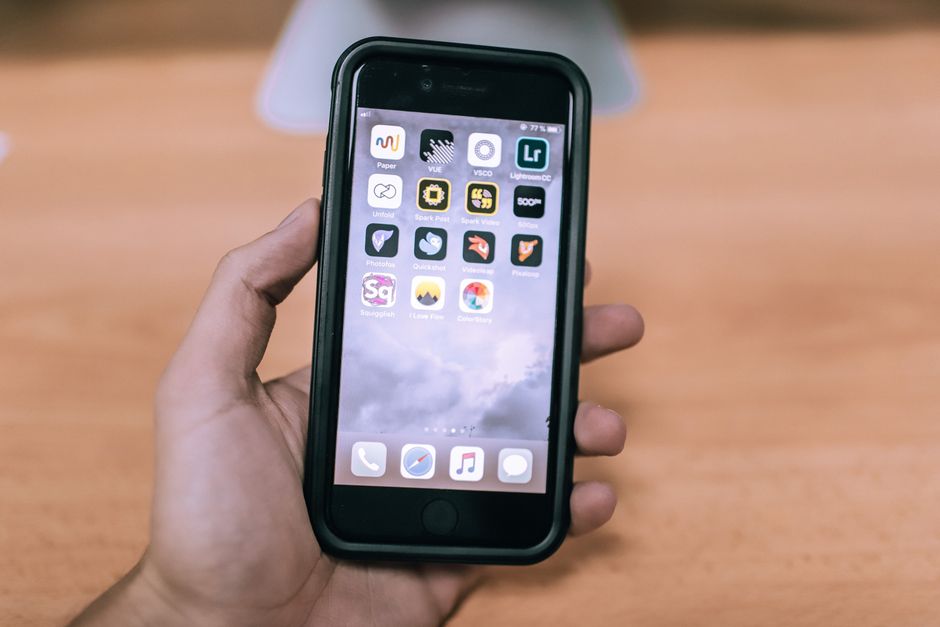
Why Guest Accounts Are a Hidden Risk
Many mobile games let you start playing instantly with a guest account. That convenience hides a serious risk, because guest progress is often stored only on your current device. If the phone breaks, gets lost or is reset, that progress can disappear with it.
Players often stay on guest accounts for months without realizing the danger. They level up, collect rare items and even make purchases tied to that fragile account. When something goes wrong, support teams may have very little to work with.
Uninstalling a game to free up space can also wipe guest progress in some titles. Reinstalling later may start you from scratch. It is a painful lesson that many players learn the hard way.
Switching phones is another common moment when guest progress is lost. Moving from an old phone to a new one does not always carry game data along. Without a linked account, transferring progress can be difficult or impossible.
The fix is simple and usually takes only a minute or two. Link your progress to a proper account as soon as you know you enjoy a game. Do it before you invest serious time or money.
Look in each game’s settings for options like account, profile, link or save. Most games clearly show whether your progress is linked. If you see a guest label, treat it as a warning sign.
Platform Accounts vs Publisher Accounts
Many games support linking through platform services like Google Play Games on Android or Game Center on iPhone. These options are convenient because they use the account already on your phone. They often restore progress automatically on a new device of the same type.
Publisher accounts are accounts created directly with the game company. Examples include accounts used by large studios across several of their games. These accounts often work across platforms, which matters if you switch between iPhone and Android.
If you might ever change phone brands, a publisher account is usually the safer choice. Platform accounts tied to one ecosystem may not transfer progress to the other. Choosing the right link now avoids headaches later.
Some games support several linking options at the same time. Linking more than one method can provide extra backup. If one account has a problem, another may still restore your progress.
Use an email address you control and check regularly for publisher accounts. Recovery messages and verification codes will go to that address. An old, forgotten email can block account recovery.
Write down which account each game is linked to. A simple note on your phone or in a password manager helps you remember. When you change devices, that list makes recovery quick.
Protect the Accounts That Hold Your Progress
Linking progress to an account only helps if that account stays secure. Use a strong, unique password for each gaming account. Reusing passwords across sites makes it easier for attackers to break in.
Turn on two-factor authentication wherever it is available. This adds an extra step, like a code sent to your phone, when someone tries to log in. It blocks many account takeover attempts.
Be careful with links and messages promising free currency or rare items. Many are phishing attempts designed to steal your login details. Official rewards never require you to enter your password on random websites.
Never share your account with friends or people offering to boost your progress. Account sharing often breaks game rules and can lead to bans. It also gives others access to your purchases.
Keep your recovery email and phone number up to date. If you change phone numbers, update your accounts right away. Outdated recovery details can lock you out permanently.
A password manager can store all your gaming logins securely. It also helps you create strong passwords without memorizing them. It is a simple upgrade for your digital security.
Switching Phones Without Losing Anything
Before moving to a new phone, open each important game and confirm that it is linked. Check that you can see your account name or ID in the settings. Take screenshots of those screens for reference.
Write down your player IDs and the account methods used for each game. Support teams often ask for this information during recovery. Having it ready makes the process faster.
On the new phone, sign in to your platform accounts first. Then install your games and use the same login method you linked before. Most games will restore your progress automatically.
Keep your old phone available until you confirm that everything transferred correctly. If something goes wrong, you can still access the original data. Do not reset the old phone too quickly.
Cross-platform moves require extra care. If you switch between iPhone and Android, use publisher accounts whenever possible. Platform-only links may not move across ecosystems.
Offline single-player games may store saves locally. Check whether those games support cloud saves or device backups. Phone backups can sometimes restore their data.
What to Do If Progress Is Lost
Contact the game’s official support team as soon as you notice a problem. Most games have a support option in the settings menu or on their website. Acting quickly improves your chances of recovery.
Provide as much information as possible, including your player name, player ID and approximate level. Mention the date you last played and the device you used. Details help support confirm ownership.
Purchase receipts are powerful proof of ownership. Emails from the app store show transaction details linked to your account. Include them when contacting support.
Be patient and polite during the process. Recovery can take time, especially for popular games. Clear, calm communication often leads to better results.
Avoid third-party services that claim to recover accounts for a fee. Many are scams that may steal your information. Official support is the only safe path.
Once your progress is restored, link it properly right away. Use the lessons learned to protect every game you play. A few minutes of setup prevents future heartbreak.