

A controller can transform how mobile games feel, but it is not the right buy for every player. Here is what to know before you spend money on one.
The Main Types of Mobile Controllers
Clip-style controllers wrap around your phone and turn it into something like a handheld console. Your phone sits in the middle, with buttons and sticks on both sides. They are compact, portable and popular with players who game on the go.
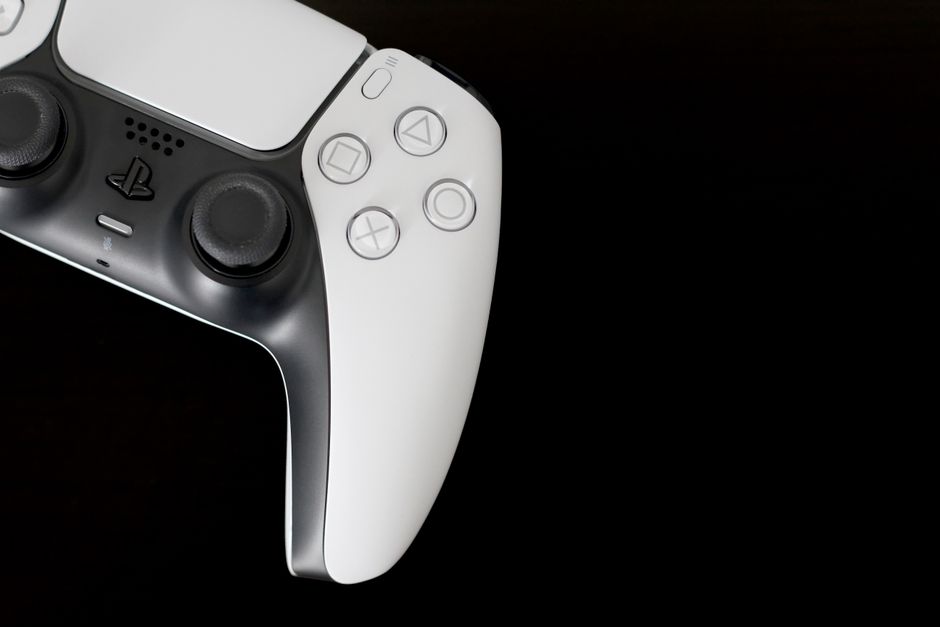
Bluetooth console controllers, like those made for major home consoles, can also pair with modern phones. They offer familiar layouts and excellent comfort for long sessions. You will usually need a phone stand or clip to hold your phone in view.
Single-sided or mini controllers exist as well, but they are less common for serious play. They can be handy for simple games or as travel accessories. For most players, a full layout is far more useful.
Wired clip controllers connect directly through your phone’s charging port. This connection often reduces input delay compared with wireless options. Many also offer pass-through charging so you can play and charge at the same time.
Wireless controllers offer more freedom in how you hold your phone and where you place it. They work well for cloud gaming on a tablet or a phone placed on a stand. Battery life and pairing reliability become important considerations.
Each type has strengths and trade-offs. The best choice depends on where and how you play. Thinking about your typical gaming session helps you choose.
Which Games Actually Support Controllers
Not every mobile game supports controllers, and that is the most important thing to check. Many shooters, racing games, action games and emulated classics support them well. Many puzzle games, card games and some strategy games are designed only for touch.
Some popular competitive games support controllers but may adjust matchmaking or settings for controller players. Developers do this to keep matches fair between touch and controller users. Checking each game’s settings explains how controllers are treated.
Cloud gaming services are one of the best reasons to own a controller. Console and PC games streamed to your phone are usually designed for controllers. Playing them with touch controls is often frustrating.
Subscription catalogs like Apple Arcade often list controller support for each game. Store pages for premium games may also mention it. Reading those details before buying a game helps you avoid disappointment.
Emulation apps and retro collections usually work very well with controllers. Classic games were designed for physical buttons, so a controller makes them feel authentic. That alone convinces many players to buy one.
If most of the games you play are touch-only, a controller may sit unused. Make a list of your favorite games and check their support first. That simple step can save you money.
The Real Benefits of Playing With a Controller
A controller frees your screen from your thumbs, letting you see the entire game. On small phones, that extra visibility can make a big difference. You can react to things you might have missed with touch controls.
Physical buttons provide tactile feedback that touchscreens cannot match. Pressing a real button confirms your input without looking. That improves accuracy and reduces mistakes in fast games.
Analog sticks offer precise movement control. Racing and action games feel smoother with gradual steering and movement. Touch controls often feel less precise in comparison.
Controllers can also be more comfortable for long sessions. Holding a phone for hours can strain your hands and wrists. A controller spreads the grip more naturally.
For cloud gaming and console-style games, controllers are almost essential. They make those experiences feel like they were meant to be played on a phone. That opens up a much larger library of games.
Finally, controllers can simply make gaming more fun. Many players enjoy the console-like feeling of a dedicated device. That enjoyment is a real benefit too.
Costs and Compatibility Pitfalls
Mobile controllers range from inexpensive basic models to premium options costing as much as a new game console accessory. Higher prices often bring better build quality, lower latency and extra features. Deciding your budget first helps narrow the options.
Port compatibility matters for wired clip controllers. Phones use different connectors, so make sure the controller matches your phone’s port. Some controllers include adapters for different models.
Phone cases can prevent clip controllers from fitting properly. Some controllers include adapters for thicker cases, while others require removing your case. Checking compatibility saves daily frustration.
Large phones may not fit smaller controllers. Check the size limits before buying. A controller that barely fits can damage your phone or be uncomfortable.
Bluetooth controllers need charging and occasional pairing fixes. Wireless setups are convenient, but they add small maintenance tasks. Wired controllers avoid most of those issues.
Read reviews from real users before buying. Pay attention to comments about latency, comfort and durability. Real experiences often reveal problems that product pages do not mention.
How to Decide If You Should Buy One
Start by asking how much time you spend playing controller-supported games. If you play them daily, a controller is likely worth it. If you rarely do, it may not be.
Consider whether you use cloud gaming or emulators. These are the strongest reasons to own a controller. They unlock experiences that touch controls struggle with.
If you already own a console controller, try pairing it with your phone first. This costs nothing and shows whether you enjoy controller gaming on mobile. It is a free test before buying anything new.
Look for sales during major shopping events. Controllers are often discounted several times a year. Patience can save a meaningful amount of money.
Think about portability. If you play on commutes, a compact clip controller may be best. If you play at home, a console controller with a stand may be more comfortable.
A mobile controller can greatly improve your gaming experience. Check game support, test with what you own and choose a model that fits your phone and habits. That way your money goes toward a better experience.